
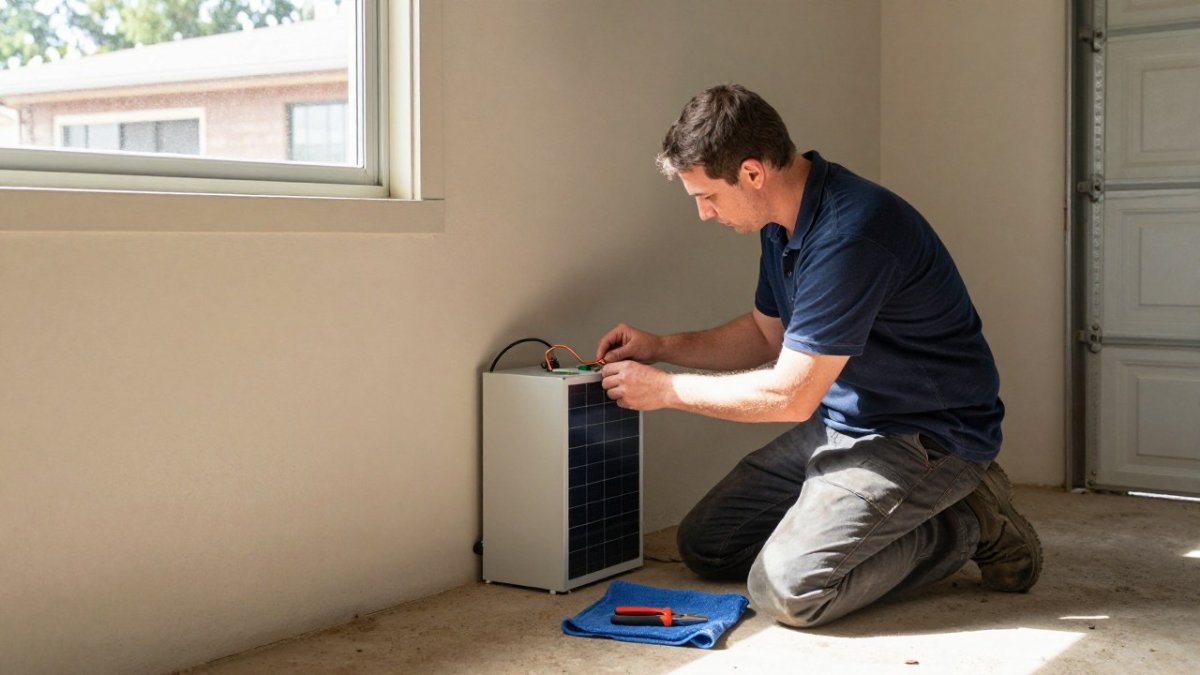
Quick Summary
Solar battery backup systems need very little hands-on maintenance, but they are not hands-off. Monthly app checks, keeping the area clear and dry, and an annual technician inspection, including a backup readiness test, keep them running well.
- Check the monitoring app and note state of charge and alerts at least once a month
- Keep the enclosure dry, shaded and ventilated, since poor conditions can age the battery faster
- Watch for a gradual fall in usable capacity or frequent fault codes and record them with dates
- Leave opening the enclosure, electrical work and repairs to a qualified technician
- Test backup readiness with your installer at least once a year and keep the service report
Table of Contents
- Do Solar Batteries Need Routine Maintenance?
- Maintenance Differences by Battery Chemistry
- Home Battery Maintenance Checklist
- Solar Battery Monitoring and Performance Data
- Solar Battery Backup Troubleshooting Steps
- Homeowner Tasks Versus Technician Work
- Solar Battery Warranty Requirements and Costs of Upkeep
- Booking Your Next Battery Check with GridFree Solar
- Frequently Asked Questions
Do Solar Batteries Need Routine Maintenance?
Last Updated: November 18, 2026
Most solar batteries need very little hands-on maintenance, but they are not completely hands-off. The battery itself rarely needs servicing, but the conditions around it and the way you monitor it make a real difference to how long it lasts. Solar battery backup maintenance requirements are mostly about watching, keeping things clean, and calling a qualified installer when something looks wrong.
Many battery owners find that the biggest risks come from neglect rather than wear. A battery sitting in a hot, dusty or damp spot can age faster than one installed in a cool, dry, ventilated area. A few minutes of checking each month can catch a small problem before it becomes an expensive one.
Maintenance also means checking your battery’s performance over time. Watch the state of charge, the usable capacity and any alerts from the monitoring app. A steady drop in capacity may signal ageing, while sudden warnings often point to a fault that needs a technician.
- Check the monitoring app at least once a month
- Keep the area around the battery clear and dry
- Book a professional inspection if alerts appear or performance drops
- Follow the manufacturer’s guidelines for your exact model
Maintenance Differences by Battery Chemistry
Maintenance needs depend partly on the battery chemistry, and the difference is bigger than most homeowners expect. Lithium-ion batteries, which dominate new home installations, have a built-in battery management system (BMS) that controls charging, cell balancing and temperature. For most owners this means the routine work is limited to monitoring performance and keeping the unit in a suitable environment.
Lead-acid batteries are different. Flooded lead-acid designs can need periodic electrolyte level checks and terminal cleaning, and all lead-acid types benefit from a periodic full charge to reduce sulfation. Because battery upkeep is only one part of system care, keeping the panels clean with Mr Clean Solar Cleaning can help maintain the energy supply that supports charging.
Chemistry also changes how the battery responds to heat, cold and deep discharge. Your installer can confirm the correct operating range for your model, and that figure is the safest reference point.
A practical way to think about it is by task type:
- Lithium-ion: monitor state of charge and capacity trends, keep vents clear, avoid charging below the manufacturer’s minimum temperature, and leave cell-level work to the BMS and a technician.
- Lead-acid (flooded): check electrolyte levels only if the manufacturer’s instructions permit it, keep terminals clean and tight, and arrange a periodic full charge.
- Lead-acid (sealed): monitor capacity and terminal condition, and avoid long periods at low state of charge.
- All chemistries: keep the enclosure dry, shaded and ventilated, and record any alerts.
Climate matters as much as chemistry. Shade and airflow around the enclosure matter in hot conditions, and humid or coastal locations make enclosure sealing and corrosion checks more important, particularly on terminals and cable entries. Installation location changes all of this, so treat the manufacturer’s environmental limits as the baseline and ask your installer how your specific site compares.
Home Battery Maintenance Checklist
A simple routine keeps most home batteries running well, but the useful version of that routine is a schedule with clear task boundaries. Use the cadence below as a starting point, then adjust it to your manufacturer’s instructions and your battery chemistry, those two sources override any generic checklist.

Monthly checks (homeowner)
- Open the monitoring app and note state of charge, usable capacity and any active alerts.
- Look at the battery and enclosure for cracks, swelling, leaks, scorch marks or a burning smell.
- Confirm the area around the unit is clear of leaves, cobwebs, stored items and moisture.
- Check that vents and fans are unobstructed and that the unit is mounted firmly.
- Record anything unusual with the date so you can spot a trend.
Seasonal checks (homeowner)
- Before summer, confirm the enclosure is shaded and that airflow is not blocked by new plants or equipment.
- Before winter, check for damp, condensation or water ingress around cable entries and the enclosure base.
- After any severe weather event, do a visual check for impact damage, loose fixings or debris.
- Review your monitoring history for seasonal patterns, such as lower usable capacity in cold months.
Annual checks (technician)
- Full performance and capacity test against the manufacturer’s specification.
- Inspection of connections, cables, isolators and protective devices.
- Firmware and software updates where the manufacturer provides them.
- Backup readiness test, including transfer equipment and critical-load coverage.
- Written service report you can keep with your warranty records.
Visual Inspection and Signs of Damage
Start with a quick look at the battery and its enclosure. Look for cracks, swelling, leaks, scorch marks or a burning smell. Any of these signs means you should switch the system off where safe to do so and call a licensed technician straight away. Also check that the unit is mounted firmly and that nothing is leaning on it.
Watch out: never open the enclosure or probe internal components to investigate a smell or a leak, isolate the system if the manufacturer’s instructions say it is safe, and leave the diagnosis to a qualified professional.
Cleaning, Temperature and Ventilation
Dust and debris can build up around vents and fans. Wipe the outside of the unit with a dry cloth and clear away leaves or cobwebs. Never use water or harsh cleaners on the internal parts. Batteries work best within the temperature range in the manufacturer’s guidelines, so avoid direct sun, heat sources and poorly ventilated spaces.
Connections, Cables and Electrical Components
Look at the cables and connections for signs of wear, corrosion or looseness, and check that labels are still readable. Testing, tightening or replacing connections is technician work, because loose or damaged connections can cause serious faults. If you are unsure, leave electrical work to a qualified professional.
Backup readiness testing
Backup readiness is the part of maintenance many homeowners overlook, and it matters during an outage. Ask your installer to verify at the annual service that the backup settings are correct and that your critical loads are covered. Not every system can be safely tested the same way, some require a controlled isolation procedure, so follow the manufacturer’s test method rather than simulating an outage yourself. Keep a note of the last successful test date alongside your service records.
The routine splits into monthly, seasonal and annual tasks, with clear boundaries between homeowner and technician work.
| Interval | Who does it | Main tasks |
|---|---|---|
| Monthly | Homeowner | Check app, inspect enclosure, clear area |
| Seasonal | Homeowner | Check shade, airflow, damp, storm damage |
| Annual | Technician | Capacity test, connection inspection, backup readiness test |
Solar Battery Monitoring and Performance Data
Monitoring is one of the most useful maintenance tools you have. Most systems show battery state of charge, energy flows, and alerts through an app or display. Checking these regularly helps you spot trends early.
Watch for a few key signs:
- A gradual fall in usable capacity over several months
- Frequent system alerts or fault codes
- Battery charging or discharging much more slowly than before
- Energy use that does not match your normal pattern
If you see any of these, note the date and details, then contact your installer. Clear records make the technician’s job faster and help you spot whether a problem is getting worse.
Solar Battery Backup Troubleshooting Steps
When your solar battery backup stops working as expected, work through these steps before calling for help:
- Check the app or display for any active alerts or fault codes.
- Confirm the battery shows a reasonable state of charge.
- Make sure the isolator switch and breakers are in the correct position.
- Check that the unit is not overheating and that vents are clear.
- Restart the system only if the manufacturer’s guidelines say it is safe to do so.
- Record what you saw and when, then contact a qualified installer.
Some faults clear on their own, but repeated alerts should never be ignored. Do not open the battery enclosure or attempt internal repairs yourself.
Homeowner Tasks Versus Technician Work
Knowing where your role ends is important for safety. Homeowners can handle simple checks, but certain tasks must be left to licensed professionals.
Tasks you can do:
- Check the monitoring app and note any alerts
- Keep the area clean, dry and ventilated
- Do a visual check for obvious damage
Tasks for a technician:
- Opening the battery enclosure or working on internal components
- Testing or replacing cables, connectors and electrical parts
- Firmware and software updates
- Full performance testing and backup readiness checks
- Any repair or replacement work
Backup readiness is worth testing with your installer at least once a year. A technician can confirm that the system will power your critical loads during a blackout as expected.
Solar Battery Warranty Requirements and Costs of Upkeep
Warranty terms are a key part of solar battery backup maintenance requirements. Many manufacturers require that the system be installed and serviced by an accredited installer. Skipping approved maintenance or carrying out unauthorised repairs can affect your warranty cover.
Check your warranty for details on duration, cycle or throughput limits, capacity guarantees and exclusions. Keep your installation records and any service reports in one place.
Upkeep costs depend on the system, the installer and how often you need help. For current pricing and a quote, contact GridFree Solar directly.
For more detail on what protects your investment, see our guide to solar battery warranty requirements in Australia.
Booking Your Next Battery Check with GridFree Solar
Regular checks keep your home battery safe, efficient and ready for a blackout. At GridFree Solar, our accredited team can inspect your system, review your monitoring data and confirm that your backup settings are working as they should. Get started with GridFree Solar and book a battery check that gives you confidence in your home energy.
Frequently Asked Questions
Do solar batteries require regular maintenance?
Most modern home solar batteries need very little hands-on maintenance. The main routine tasks are checking the monitoring app for alerts, keeping the unit clean and dry, making sure ventilation openings are unobstructed, and arranging a professional inspection as recommended by the manufacturer. Lithium-ion units are sealed and managed by an internal battery management system, so owners should not open the casing. If the system shows a fault, a warning or unexpected performance drop, contact a qualified installer rather than attempting repairs yourself. Check your warranty terms, as some require documented servicing at set intervals.
How often should a home solar battery be inspected?
A simple visual check every few months is a sensible routine for most households, while a professional inspection is typically recommended about once a year or as set out in the manufacturer’s guidelines. Between visits, review your monitoring data monthly to spot changes in state of charge, backup behaviour or daily cycling. Record what you see so a technician can compare readings over time. Your warranty may specify the required inspection frequency, so keep service records in one place to support any future claim.
What should I do if my solar battery stops providing backup power?
Start by checking the monitoring app or display for error codes and confirming that the battery is not simply depleted or set to a reserve level that is too high. Make sure the isolator switch and circuit breakers are in the correct position and that the inverter shows a normal status. If the battery still does not supply backup power during an outage, switch off what you can safely reach and contact GridFree Solar or your installer. Do not open the battery enclosure or attempt electrical repairs yourself, as this creates a real safety risk.
Does a solar battery warranty require professional servicing?
Many battery warranties depend on the system being installed by an accredited installer and serviced according to the manufacturer’s requirements. Some specify inspection intervals, firmware updates applied by a qualified technician, or the retention of service records. Read the warranty document carefully before relying on it, and keep receipts and inspection reports. GridFree Solar can advise on the requirements for your specific equipment. For current service pricing and warranty details, contact GridFree Solar directly for a quote.
